> For the complete documentation index, see [llms.txt](https://docs.gapvelocity.ai/blackdiamond-studio-or-mobilize.net/llms.txt). Markdown versions of documentation pages are available by appending `.md` to page URLs; this page is available as [Markdown](https://docs.gapvelocity.ai/blackdiamond-studio-or-mobilize.net/blackdiamond-studio-documentation/bds-portal/creating-my-first-project/3.-set-up-repository.md).
# 3. Set up Repository
In this section, you will be able to create a new GitLab repository with BlackDiamond Studio or connect to your own external repository.
## **1. Choosing BlackDiamond Studio Git provider:**
The BlackDiamond Studio Git provider is a secured GitLab Instance. A new repository will be created for your project and you will be able to access it using your BDS account credentials. Only you and the people who have access to your project will be able to see the repository.
{% hint style="warning" %}
If you delete your project from the BDS Web Portal the associated BDS GitLab repository will also be deleted. Learn more about [deleting projects](/blackdiamond-studio-or-mobilize.net/blackdiamond-studio-documentation/bds-portal/deleting-a-project.md).
{% endhint %}

## **2. Connecting to your own external repository:**
Alternatively, you can create your project by selecting your own Git provider.
{% hint style="warning" %}
If you delete your external repository, your project will not be compatible and you will need to remove it manually.
{% endhint %}
### **Our supported Git providers:**
* **GitHub:** If your code is already stored in or you wish to store your code in GitHub connect your project to a GitHub repository:
1\. Click on the **Continue with GitHub** button:

2\. Authorize BlackDiamond Studio to access your GitHub account:
(You will be able to revoke this anytime from your GitHub profile if you want).

3\. You can enter your repository URL:
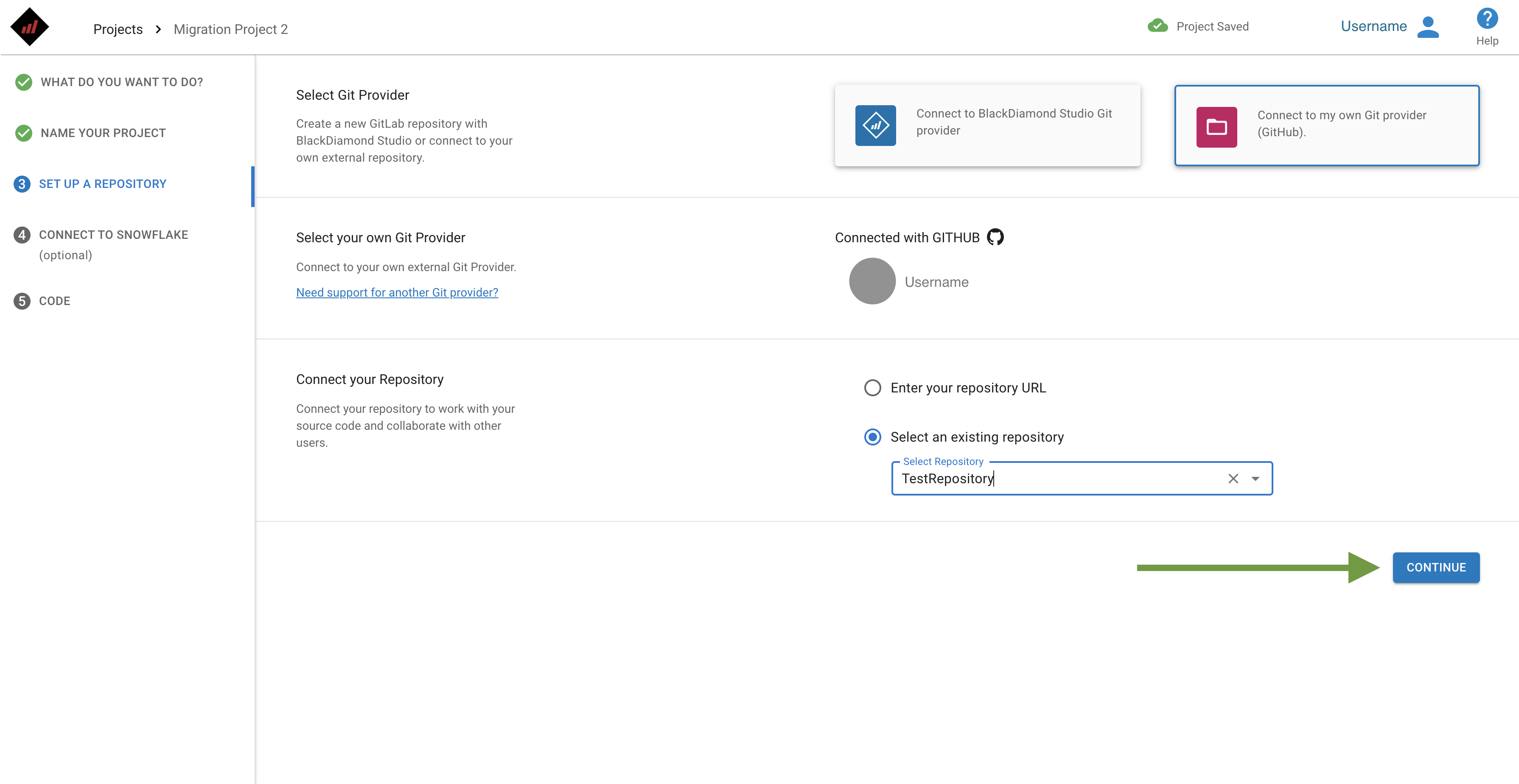
4\. Or choose one from your list of repositories:
4\. Save your changes by clicking on the **Continue** button.